Claude Code moves fast. New features, new commands, new ways of working show up regularly, and keeping track of all of them is a job in itself. We are not going to try to cover everything here.
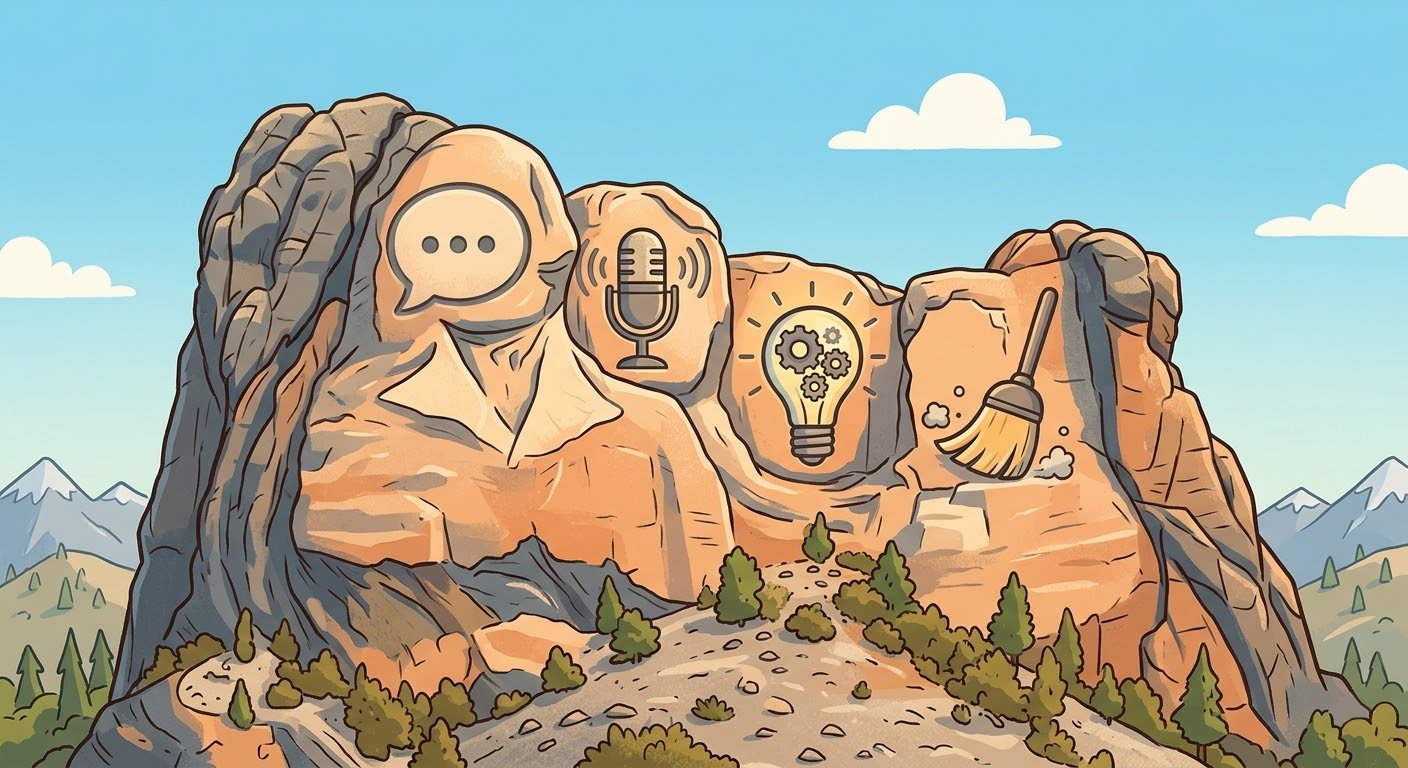
Instead, we are going to do something more fun. If we had to carve four Claude Code switches into stone right now, based purely on what we are reaching for the most in our daily work, these are the ones. Our Mt. Rushmore. Ask us again in a few months and the lineup might shift, but today, these four are earning their spot.
Most people have not heard of this one yet, which is exactly why it leads the list.
You are deep in a conversation with Claude Code, working through a problem, and a quick question pops into your head. Something unrelated to the main thread. Before /btw, you had two options: derail your current conversation to ask it, or open a new session. Both break your flow.
With /btw, you just type /btw what’s the default timeout for this API? and the answer appears in a small overlay. It does not touch your conversation history. It reuses your existing context, so it is fast and cheap. Then it is gone, and you are right back where you were.
It sounds small. It is small. That is why it works. The number of times we have kept our momentum on a task because we did not have to context-switch for a quick lookup is hard to overstate. If you have not tried it yet, it is one of those features that immediately feels obvious once you use it.
This is the one that catches people off guard. You can talk to Claude Code.
Enable it in your settings, and suddenly you are having a spoken conversation with your terminal. It sounds strange until you try it. Then it feels completely natural.
We reach for voice mode when we are thinking through a problem out loud, when we are away from the keyboard but want to keep a thread going, or when typing feels like it is slowing down the pace of our thinking. There is something about speaking your thoughts that surfaces ideas differently than writing them. You end up exploring angles you would not have typed out.
It also changes the dynamic of the interaction. When you type, you tend to write polished prompts. When you talk, you think out loud. That messiness is actually productive. Claude Code handles the ambiguity well, and you get to a better result faster because you are not self-editing before you even ask.
If you have written off CLI tools as keyboard-only, this one is worth revisiting.
Claude Code has a skill called brainstorming (invoked with /brainstorming) that forces a structured design conversation before you build anything. Instead of jumping straight into code, it asks you clarifying questions one at a time, proposes different approaches with trade-offs, and walks you through a design before a single line gets written.
We invoke this at the start of anything non-trivial. New feature, new article, a workflow we have not built before. Without it, the instinct is to start doing. With it, you spend ten minutes thinking through what you actually want, and the implementation that follows is cleaner because the decisions were already made. Fewer “actually, go back and redo that” moments.
One note: brainstorming is part of Superpowers, a plugin for Claude Code, so it is not built in out of the box like the other three on this list. That is actually part of why we like highlighting it. The plugin ecosystem is where some of the most useful features live. This is also different from plan mode, which breaks work into execution steps. Brainstorming explores the idea before planning starts.
Every long session eventually hits a wall. You have been going back and forth for a while, the context window is filling up, and Claude Code starts losing track of things you discussed earlier. The conversation gets sluggish.
That is when you type /compact. It summarizes the earlier parts of your conversation and clears the history, freeing up the context window while preserving the important threads. One command, and you are back to a clean working state.
We use this constantly. Anytime a session starts to feel heavy, or when we are about to shift to a different part of a problem and do not need the earlier details cluttering things up. It is the equivalent of clearing your desk before starting a new task. The work is still there if you need it (in the summary), but the active workspace is clean.
It is not flashy. It does not change how Claude Code thinks or talks. It just keeps long sessions productive, and for the way we work, that makes it essential.
That is our Mt. Rushmore, as of right now. Four switches that have quietly become part of how we work every day. None of them are complicated. All of them are the kind of thing where, once you start using them, you wonder how you worked without them.
The list will probably look different by summer. Claude Code ships features fast, and something new will inevitably earn its way onto the mountain. But today, these are the four.